
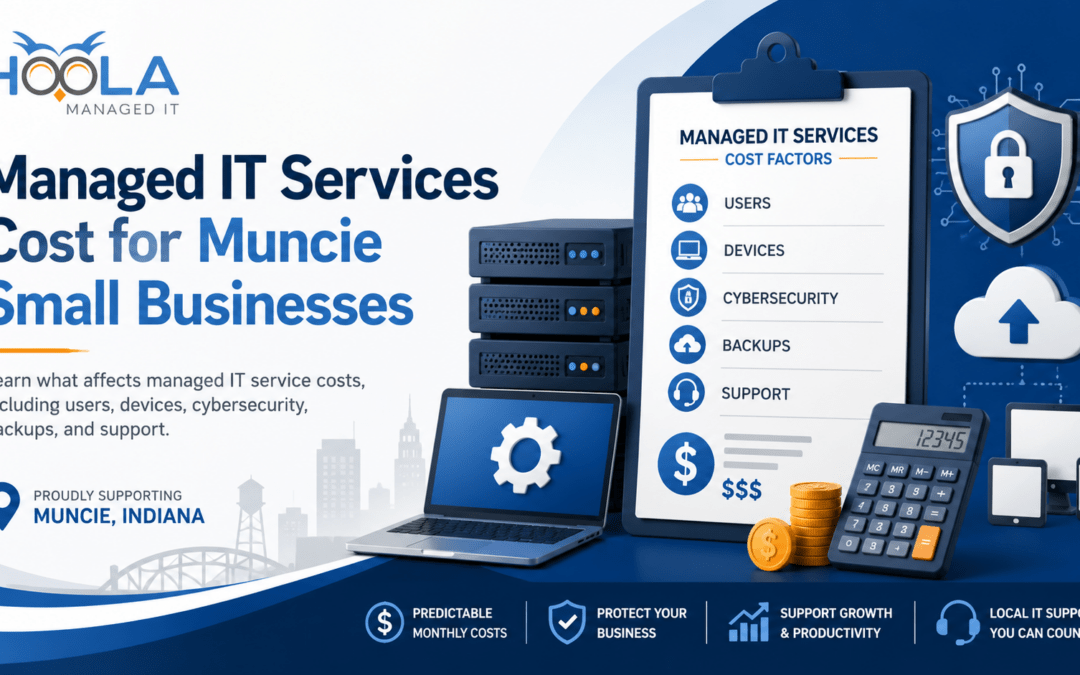
Quick Answer: Managed IT services pricing for Muncie businesses depends on factors like users, devices, cybersecurity, backups, cloud tools, and support needs. Rather than focusing only on price, compare what is included, how quickly support is provided, and how well your business is protected.
The answer varies because every provider structures services differently. Some plans are based on users, others on devices, and some include cybersecurity, backups, and cloud support while others charge extra. Understanding these factors makes pricing much easier to compare.
Is There a Standard Price for Managed IT Services?
There is no standard price for managed IT services because every business has different technology needs.
A small office will require a different level of support than a company with multiple locations, remote workers, cloud systems, and advanced cybersecurity requirements.
The most accurate pricing comes after an IT provider reviews your users, devices, systems, and support needs. If a provider gives a quote without learning about your business, it may not reflect the full picture.
What Are Managed IT Services?
Managed IT services give your business ongoing technology support from an outside IT partner.
Instead of calling someone only when something breaks, you have a team helping monitor, maintain, secure, and support your systems throughout the month.
For many small businesses, managed IT services can include help desk support, computer support, network monitoring, cybersecurity, Microsoft 365 support, cloud support, data backup, disaster recovery planning, server support, VoIP support, and IT consulting.
In simple terms, managed IT can work like an outsourced IT department. You get dependable technology help without hiring a full in-house IT team.
What Affects Managed IT Services Cost?
Managed IT pricing depends on several key factors.
The biggest are the number of users and devices that need support. More employees, computers, servers, and network equipment typically mean more ongoing management.
Cybersecurity also affects cost. Plans with advanced protection, monitoring, backups, and employee security training generally cost more than basic support plans.
Other factors include cloud services like Microsoft 365, backup and disaster recovery requirements, and whether you need local on-site support in addition to remote help.
Common Managed IT Pricing Models
Most managed IT providers use one of a few pricing models.
Per-user pricing means your monthly cost is based on the number of employees who need support. This is common for businesses where each person has a computer, email account, cloud access, and regular support needs.
Per-device pricing means your cost is based on the number of computers, servers, phones, and network devices being supported. This can make sense for companies with shared workstations or more hardware to manage.
Flat monthly pricing gives your business a set monthly cost based on your overall support needs. This can make IT spending more predictable.
Some work may also be billed as a separate project. This could include a server upgrade, office move, cloud migration, Microsoft 365 setup, cybersecurity improvement, new network installation, or VoIP phone system setup.
Before comparing quotes, ask what is included in the monthly plan and what would be billed separately.
What Should Be Included in a Managed IT Quote?
A managed IT quote should clearly explain who and what is covered, how support works, what security services are included, and whether items like Microsoft 365 support, backups, on-site visits, or project work cost extra.
If anything is unclear, ask questions. A good IT provider should explain the plan in plain language and help you understand what your business actually needs.
Why the Cheapest IT Plan Is Not Always the Best Value
Every business has a budget, but the cheapest managed IT plan is not always the best value.
Lower-cost plans may leave out important services like cybersecurity, backups, disaster recovery, or Microsoft 365 security. Those gaps often become costly when downtime, data loss, or cyberattacks occur.
Good managed IT support helps prevent problems and reduce risk, not just fix issues after they happen.
Managed IT vs. Break-Fix IT
Some businesses still use break-fix IT support, calling for help only after something fails. While it may seem cheaper upfront, it is reactive and often leads to unexpected costs and downtime.
Managed IT takes a proactive approach by monitoring systems, managing security, and preventing issues before they disrupt your business. For many small businesses, this means more predictable costs and fewer emergencies.
Questions to Ask Before Comparing Managed IT Quotes
Before choosing a managed IT provider, ask what is included in the monthly plan and what costs extra.
You should also ask:
- How are support requests handled?
- How fast does the provider respond?
- Is local on-site support available in Muncie?
- What cybersecurity protections are included?
- How are backups managed and tested?
- Is Microsoft 365 support covered?
- What work is billed as a separate project?
These questions help you compare the real value of each plan, not just the monthly price.
What Is a Fair Price for Managed IT Services?
A fair price is one that matches your business needs and risk level.
Businesses that rely heavily on technology, sensitive data, remote work, or uptime may need more support than those with simpler needs.
The best value is not always the lowest price. It is the plan that provides the right level of support, security, and reliability for your business.
Why Local IT Support Matters for Muncie Businesses
Working with a local Muncie managed IT provider can make a real difference.
A local provider understands the area, the local business community, and the needs of small and midsize companies in Central Indiana.
Local support also matters when remote help is not enough. Hardware issues, Wi-Fi problems, network equipment, office moves, and setup work often need someone nearby.
FAQ: Managed IT Services Cost in Muncie, IN
How much do managed IT services cost in Muncie, IN?
Managed IT services cost depends on your number of users, devices, cybersecurity needs, cloud systems, backup requirements, and support expectations. The best way to get an accurate price is to have an IT provider review your current setup and recommend the right level of support.
What is usually included in managed IT services?
Managed IT services often include help desk support, device support, network monitoring, cybersecurity, Microsoft 365 support, cloud support, backup planning, updates, and IT consulting. Every provider is different, so ask what is included before comparing prices.
Is cybersecurity included in managed IT services?
Sometimes it is, but not always. Some providers include basic cybersecurity in their managed IT plans, while others offer it as an add-on. Ask whether your plan includes email security, endpoint protection, multi-factor authentication, firewall support, patching, monitoring, and backup protection.
What should I ask before signing a managed IT contract?
Ask what is included, what costs extra, how support requests are handled, how fast the provider responds, whether on-site support is available, what cybersecurity tools are included, and how backups are managed.
Ready to Understand Your IT Costs?
If you’re wondering what managed IT services should cost for your Muncie business, Hoola Managed IT can help.
Get clear guidance on the right level of support, cybersecurity, and IT planning for your team.
Schedule a free IT consultation with Hoola Managed IT today.